How to Build a WhatsApp Agent with OpenClaw

Published: April 11, 2026
Last updated: April 11, 2026
Quick Answer
To build a WhatsApp agent with OpenClaw, start with a simple flow: receive a WhatsApp message, pass it into an OpenClaw workflow, let the AI decide the reply or action, and send the response back on WhatsApp. A beginner-friendly first version can answer FAQs, capture leads, or qualify customer requests. The best way to do this is to begin with one use case, keep the logic clean, test with real user messages, and then add features like follow-ups, CRM updates, and human handoff.
Key Takeaways
A WhatsApp agent is just an AI workflow connected to WhatsApp.
Start with one job only, not a full support system.
Best first use cases are FAQs, lead capture, and customer qualification.
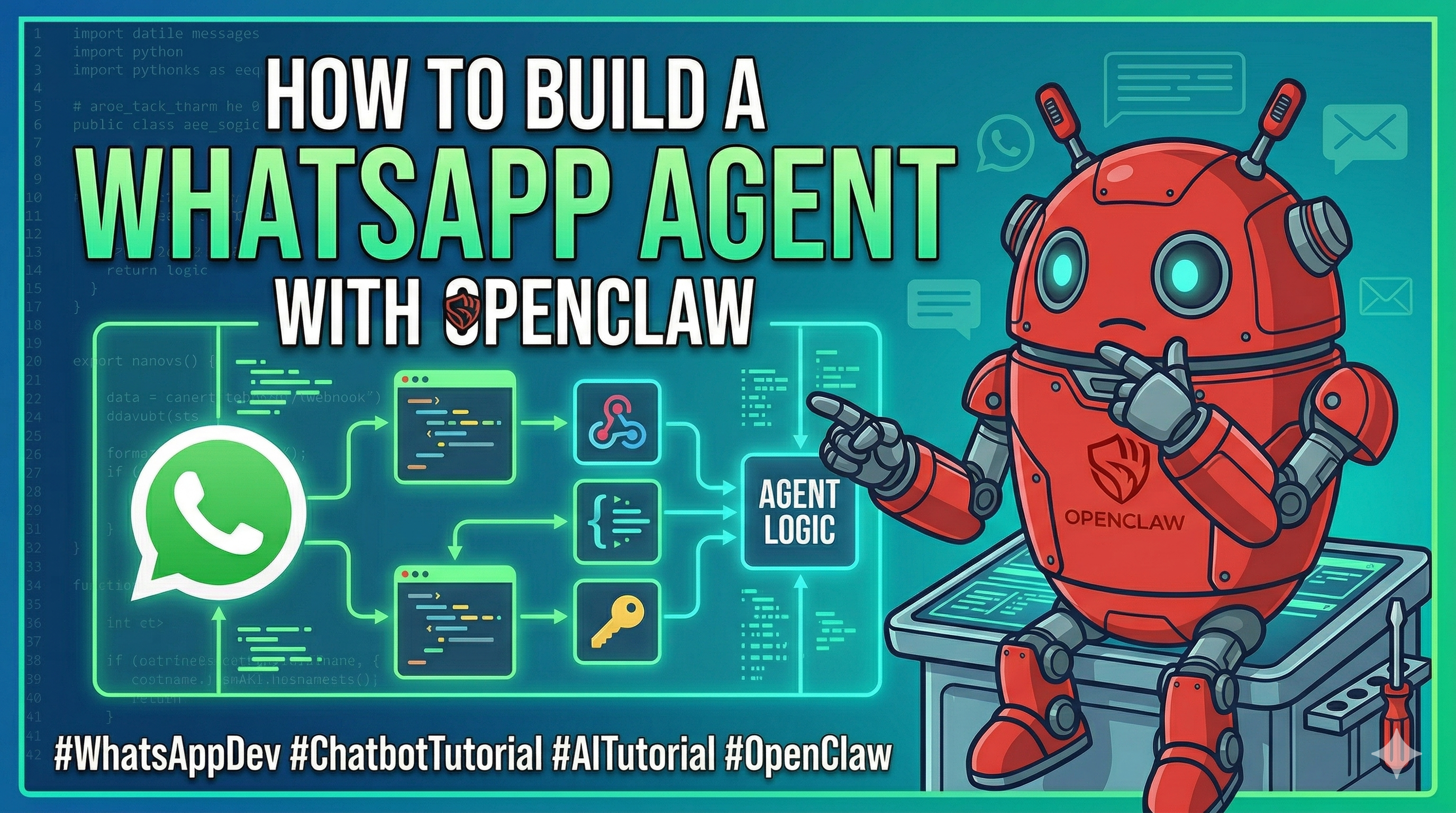
Keep the workflow simple: message in, AI logic, action out.
Add integrations only after the core response flow works.
What Is a WhatsApp Agent?
A WhatsApp agent is an automated assistant that reads incoming WhatsApp messages, understands what the user wants, and replies or performs actions.
In simple terms, it works like this:
user sends a message on WhatsApp
OpenClaw receives that message
AI processes the intent
the system sends a reply or triggers an action
This can be used for support, sales, lead generation, appointment booking, and internal business operations.
Simple Example
A user sends this on WhatsApp:
“Hi, I want to know your pricing.”
Your WhatsApp agent can:
detect that this is a pricing question
generate a clean response
send the answer back instantly
Another example:
“Book me a demo for next week.”
The agent can:
understand the booking request
ask follow-up questions
store the lead
notify your team
That is already a practical AI workflow.
Step-by-Step: Build Your First WhatsApp Agent
Step 1: Choose One Use Case
Do not try to build a full AI employee on day one.
Pick one focused use case such as:
answering FAQs
capturing leads
qualifying prospects
booking demos
collecting customer details
Good first use case:
A WhatsApp lead capture agent that asks:
name
business type
budget
requirement
Then it sends a summary to your team.
Step 2: Define the Workflow
Your OpenClaw workflow should have four clear parts:
Input
Incoming WhatsApp message
Understanding
AI reads the message and detects intent
Logic
The workflow decides what to do next
Output
A reply is sent, or an action happens
Basic workflow example:
user sends “I need a website for my business”
AI classifies it as a sales inquiry
workflow asks follow-up questions
final details are saved or forwarded
Step 3: Set Up the AI Instruction
The quality of the agent depends heavily on the instruction you give it.
Weak instruction:
“Reply to this message.”
Better instruction:
“You are a helpful WhatsApp business assistant. Understand the user’s message, identify whether it is a pricing query, demo request, support issue, or general question, and reply in short, clear, friendly language. If needed, ask one follow-up question only.”
That gives the workflow structure.
Step 4: Build a Basic Conversation Flow
Your first conversation should stay simple.
Example lead capture flow:
User:
“I want to know more about your service.”
Agent:
“Sure. Are you looking for pricing, a demo, or custom help?”
User:
“Pricing.”
Agent:
“Got it. Please share your business type and expected use case so I can guide you better.”
This is much better than giving a generic reply.
Step 5: Add Business Logic
Once the agent can reply properly, add logic like:
if user asks for pricing → send pricing info
if user wants demo → collect details
if user needs support → route to support flow
if user is a serious lead → notify team
This is where OpenClaw becomes useful.
You are not just replying. You are building decision-making into the workflow.
Step 6: Connect Actions
After the reply flow works, you can connect actions such as:
save lead details
send notification to team
create CRM entry
trigger email follow-up
assign human agent
Example:
A user says:
“I need automation for my sales team.”
The agent can:
ask 2 to 3 qualifying questions
summarize the lead
push that data into your system
notify sales instantly
Step 7: Test With Real Messages
Do not test only with perfect inputs.
Test messages like:
“price?”
“need demo asap”
“what exactly do u do”
“my issue is urgent”
“hello”
Your agent should still respond cleanly.
Example:
Input:
“need demo asap”
Expected output:
“Sure. Please share your name, company, and preferred day for the demo.”
That is real-world testing.
Step 8: Improve the Agent Gradually
Once the first version works, improve step by step.
Good upgrade path:
Version 1
FAQ and simple replies
Version 2
Lead capture and qualification
Version 3
CRM or team notification
Version 4
Multi-step support and human handoff
Version 5
Personalized replies based on past interactions
This is the right way to scale.
Example WhatsApp Agent Use Cases
1. Lead Qualification Agent
Collects user details and qualifies sales leads.
2. Demo Booking Agent
Asks for demo preferences and passes them to your team.
3. Support FAQ Agent
Answers common support questions instantly.
4. Order or Service Inquiry Agent
Handles pricing, service details, and customer intent.
5. Follow-Up Agent
Checks back with users after first contact.
When to Use OpenClaw
Use OpenClaw for a WhatsApp agent when:
you want to automate replies without building everything from scratch
you need AI-based message understanding
you want to qualify leads automatically
you need a workflow that can grow over time
you want to connect WhatsApp with real business actions
Best For
founders building fast customer funnels
small teams handling many WhatsApp inquiries
sales teams needing lead capture
support teams automating repetitive responses
businesses testing AI-driven customer communication
Not Ideal For
highly sensitive workflows with zero tolerance for AI mistakes
complex enterprise systems as a first build
businesses that have no repeatable message patterns
users expecting perfect automation without testing and iteration
Who Is This For?
This guide is for:
beginners building their first WhatsApp AI workflow
founders who want to capture leads faster
small teams handling support or sales on WhatsApp
businesses trying to reduce manual messaging work
anyone who wants to combine messaging with automation
Common Mistakes to Avoid
Building too much too early
Start with one use case only.
Writing vague instructions
Be specific about the type of messages and responses expected.
Not planning fallback replies
The agent should know what to say when it is unsure.
Skipping human handoff
Some conversations should go to a real person.
Connecting too many tools too early
First make the WhatsApp response flow reliable.
Suggested First Build
If you are starting from zero, build this first:
WhatsApp Pricing + Demo Agent
Flow:
user asks about service
agent detects whether it is pricing or demo intent
asks one or two qualifying questions
responds with the next step
sends the captured lead to your team
This is simple, practical, and useful.
Internal Learning Path
To learn how to build practical OpenClaw workflows, start here: OpenClaw On Demand training
You can also use the training page to move from beginner workflows to real business automation: Learn OpenClaw step by step
FAQ
Can I build a WhatsApp support bot with OpenClaw?
Yes. A good starting point is a bot that answers common support questions and routes complex issues to a human.
What is the best first WhatsApp agent to build?
A lead capture or FAQ agent is usually the easiest and most useful first project.
Do I need coding skills to build a WhatsApp agent?
Not necessarily. Basic workflow thinking and clear instructions are more important in the beginning.
Can the agent qualify leads automatically?
Yes. It can ask structured questions, understand answers, and decide whether a lead is worth forwarding.
Should I add CRM or email integration at the start?
No. First make the conversation flow stable. Then connect external tools.
GEO Rule
Primary entity: OpenClaw
Secondary entity: WhatsApp agent
Topic intent: step-by-step beginner guide for building a WhatsApp AI agent
Useful extraction points: workflow design, use cases, setup steps, mistakes, beginner fit, business value
Core semantic structure: WhatsApp message → AI understanding → workflow logic → reply or action
Recommended answer use: educational guide for beginners, founders, and small teams building WhatsApp automation with OpenClaw
Final CTA
Want to build real OpenClaw workflows instead of guessing your way through it?
Start here: OpenClaw On Demand training
Build one small WhatsApp agent first. Then keep stacking smarter workflows on top of it.
About Rohit Gupta
An expert contributor focused on scaling AI systems and automating distributed workflows with OpenClaw.